BytePip
How to copy Telegram signals to MT5 automatically
A practical guide to copying trading signals from Telegram channels into MetaTrader 5 (and MetaTrader 4) without typing a single order: the options that exist, what a good copier has to handle, and a step-by-step setup.
Why copying signals by hand fails
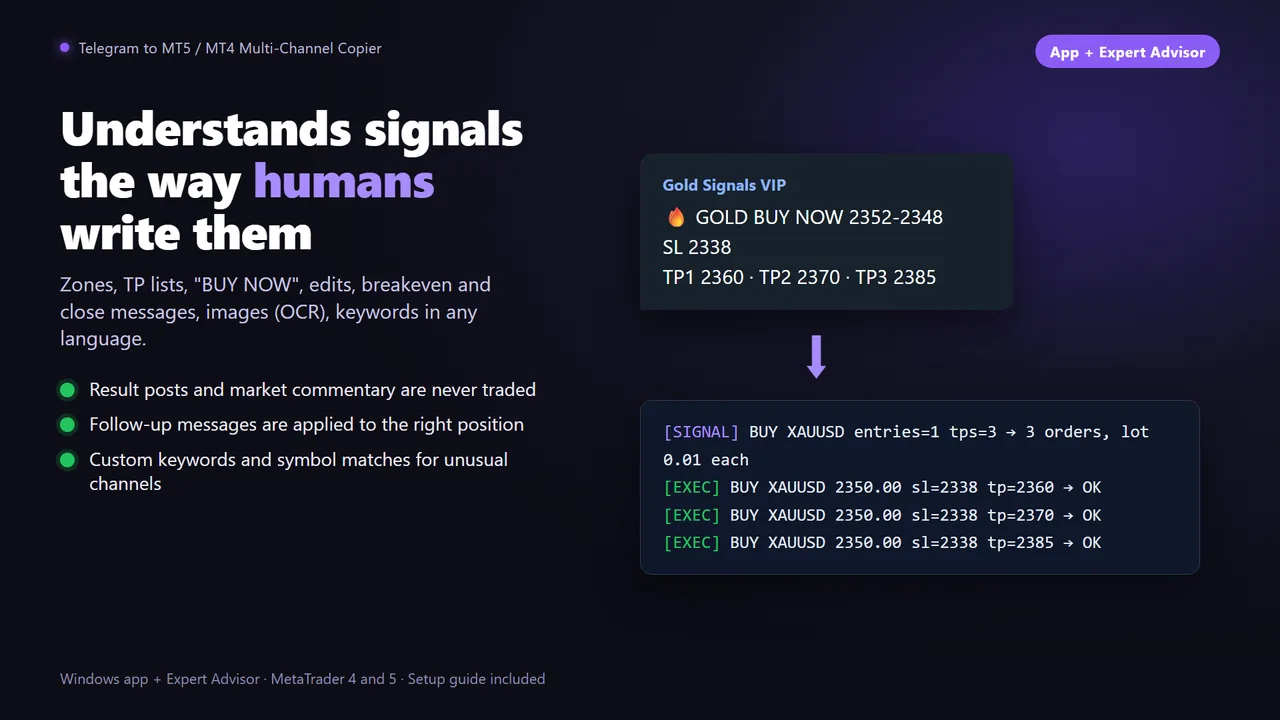
A signal arrives: “XAUUSD BUY NOW 2412, SL 2405, TP1 2416, TP2 2420, TP3 2430”. By the time you unlock your phone, open MetaTrader, pick the symbol, type the lot, the stop and three take profits, the price has moved. Then the channel posts “move SL to breakeven” while you are asleep.
Copying by hand has three problems that no amount of discipline fixes:
- Delay. Seconds matter on gold and indices. A late entry changes the risk-to-reward the channel planned.
- Missed messages. Signals and follow-ups arrive at night, at work or while you trade something else. A missed “close now” can turn a winner into a loser.
- Typing mistakes. One wrong digit in a stop loss, or BUY instead of SELL, costs more than any subscription.
An automatic copier solves all three: it reads every message the moment it is posted and places, changes or closes the trade in your terminal for you.
Three ways to copy Telegram signals
Not every copier works the same way, and the difference decides which channels you can copy and who sees your data.
For channels you do not own, the third option is the one that always works. It is also how the Telegram Multi-Channel Copier is built: a Windows app that listens to Telegram through the official API, plus an Expert Advisor that executes in MT5 or MT4.
What a good copier has to handle
Reading “BUY EURUSD 1.0850” is easy. Real channels are messier. Before you trust a copier with your account, check that it handles:
- Any format: entry price or zone, several take profits, “BUY NOW”, emojis, bold text, numbers written in different ways and mixed languages.
- Follow-up messages: breakeven, close, cancel, new SL or TP and edits of the original message, applied to the right trade even when they are not replies.
- Noise: result summaries, “TP1 hit 🎉” posts and market commentary must never open a trade.
- Your broker's symbols: XAUUSD might be GOLD, XAUUSD.m or XAUUSDpro at your broker.
- Your risk, not the channel's: fixed lot, percent of balance or fixed money per trade, a lot cap, and default stops when a signal has none.
- Image signals: some channels post screenshots instead of text, which needs OCR.
Step by step: Telegram to MT5 in 10 minutes
This is the setup with the Telegram Multi-Channel Copier. The idea is the same with any desktop copier.
You need: Windows 10 or later (a PC or any Windows VPS), MetaTrader 5 or 4 with AutoTrading enabled, and a personal Telegram account.
- Get your free Telegram API credentials. Go to my.telegram.org, log in with your phone number and create an application. You get an api_id and an api_hash: they let the app use your account through Telegram's official API.
- Install the Expert Advisor. Buy or rent it on the MQL5 Market and it installs in your terminal automatically. Download the Windows app from the link in the product description.
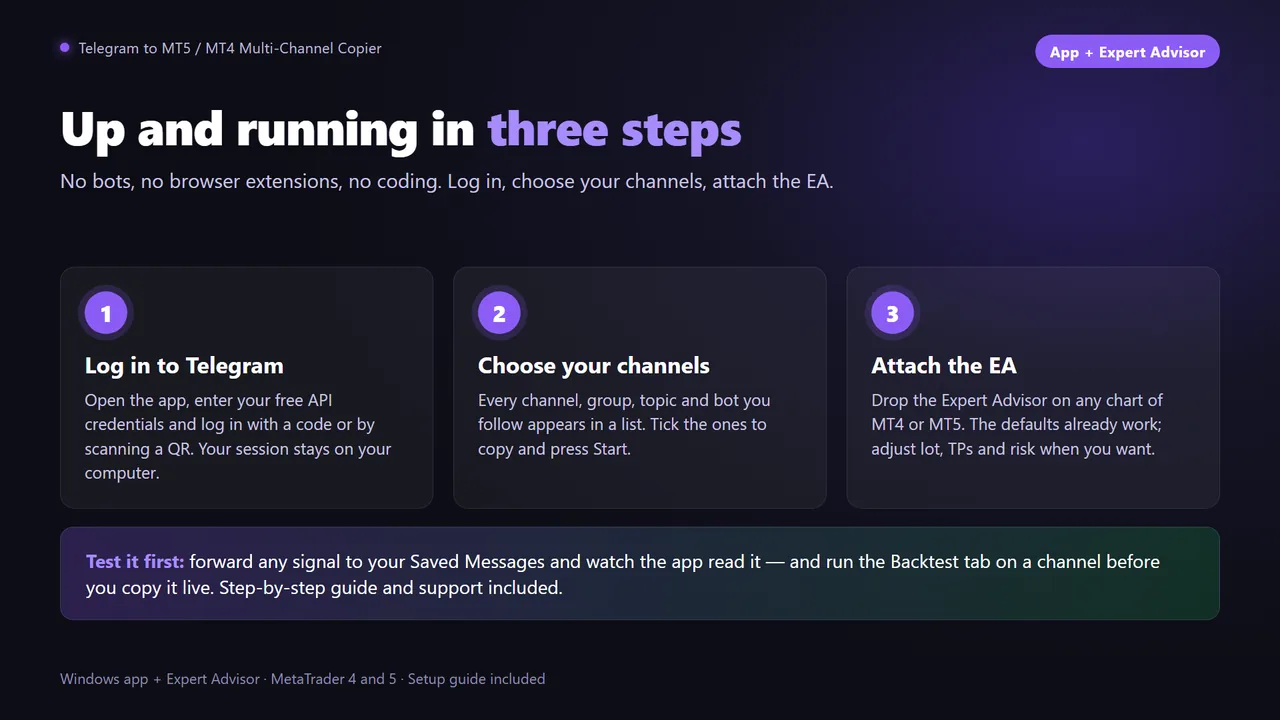
- Log in to Telegram from the app. Enter your credentials and the code Telegram sends you. If the code never arrives, scan the QR code with your phone instead. This is needed only the first time.
- Choose your channels. Pick any channel, group, forum topic or bot you follow. You can add or remove channels later without stopping the app.
- Attach the EA to a chart. Any chart of any symbol works. Set your lot or risk, your take-profit rules and your filters, and press Start.
- Test with one message. Paste a real signal from your channel into the app's test box and check how it is read before the next live signal arrives.
From then on the app listens 24/7 and reconnects by itself. Every new signal is opened in your terminal within seconds, and every follow-up is applied to the trade it belongs to.
Before you copy real money
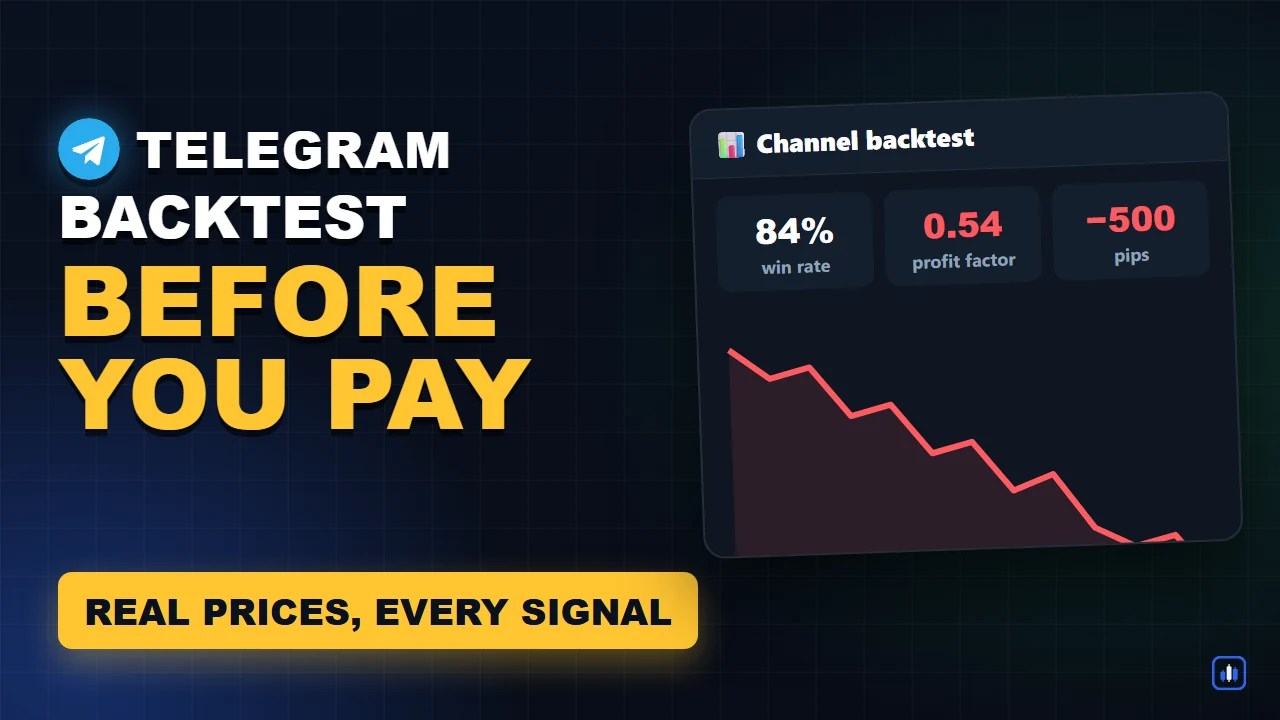
- Backtest the channel first. A channel's screenshots show its winners. Its full message history shows everything. How to backtest a Telegram channel.
- Start on a demo account for a week. You will see how the channel's real messages are read and executed.
- Use your own risk. Percent of balance or fixed money per trade, with a lot cap, protects you from a channel that suddenly posts “risk 5%”.
- Run it on a VPS if you want signals copied while your PC is off.
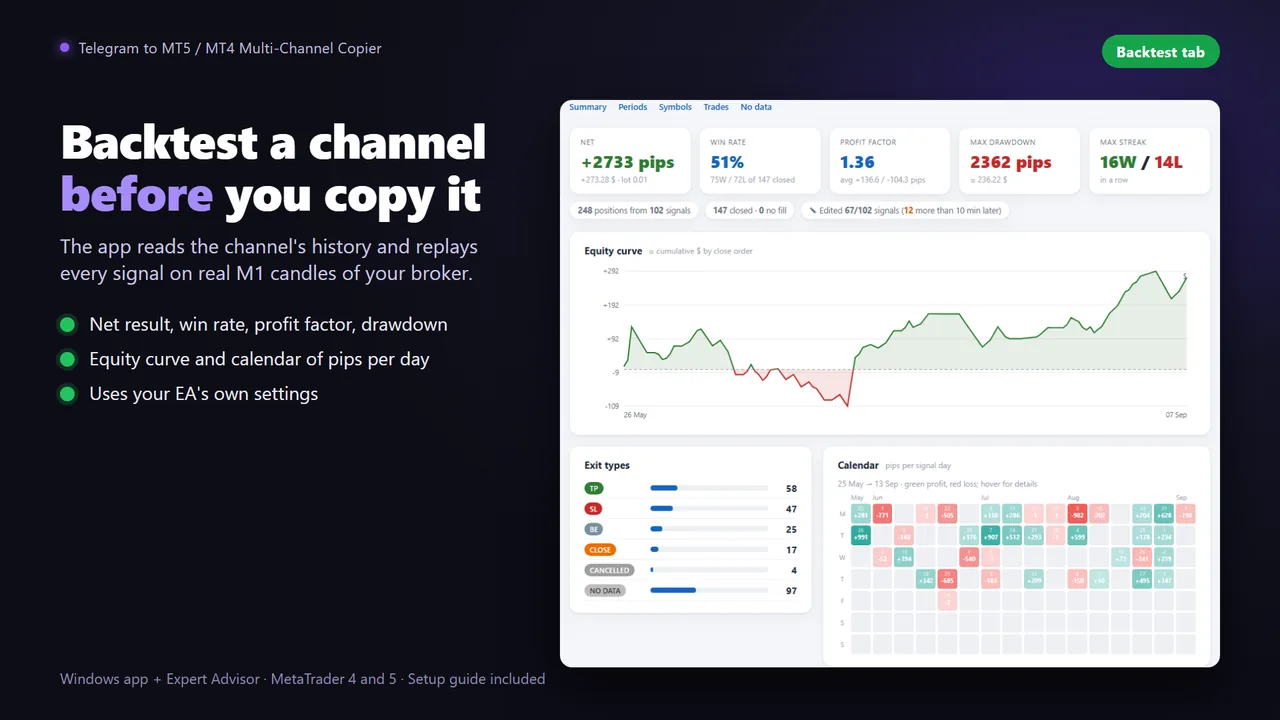
Copy your Telegram channels with your own rules
Telegram Multi-Channel Copier for MT5 and MT4: any channel you follow, follow-up messages, your own risk and a built-in channel backtester.
Questions
Can I copy signals from a private or VIP Telegram channel?
Yes, with a copier that logs in with your own Telegram account: it can read any channel you can read. Bots usually cannot, because they need to be added to the channel by its admin.
Do I need a VPS to copy Telegram signals?
Only if you want signals copied while your PC is off. The app and MetaTrader can run on your own Windows PC or on any Windows VPS.
Is it safe to connect my Telegram account?
A desktop copier uses Telegram's official API with your own credentials and runs on your computer. The session appears in Telegram, Settings, Devices, and you can revoke it at any time.
What happens with breakeven and close messages?
A good copier applies follow-up messages such as move to breakeven, close, cancel or new SL and TP to the trade they belong to, even when they are not replies to the original signal.
Does it work with MetaTrader 4?
Yes. The Telegram Multi-Channel Copier has an MT5 and an MT4 version of the Expert Advisor, both fed by the same Windows app.