 BytePip
Change every MT5 chart's colors in one click
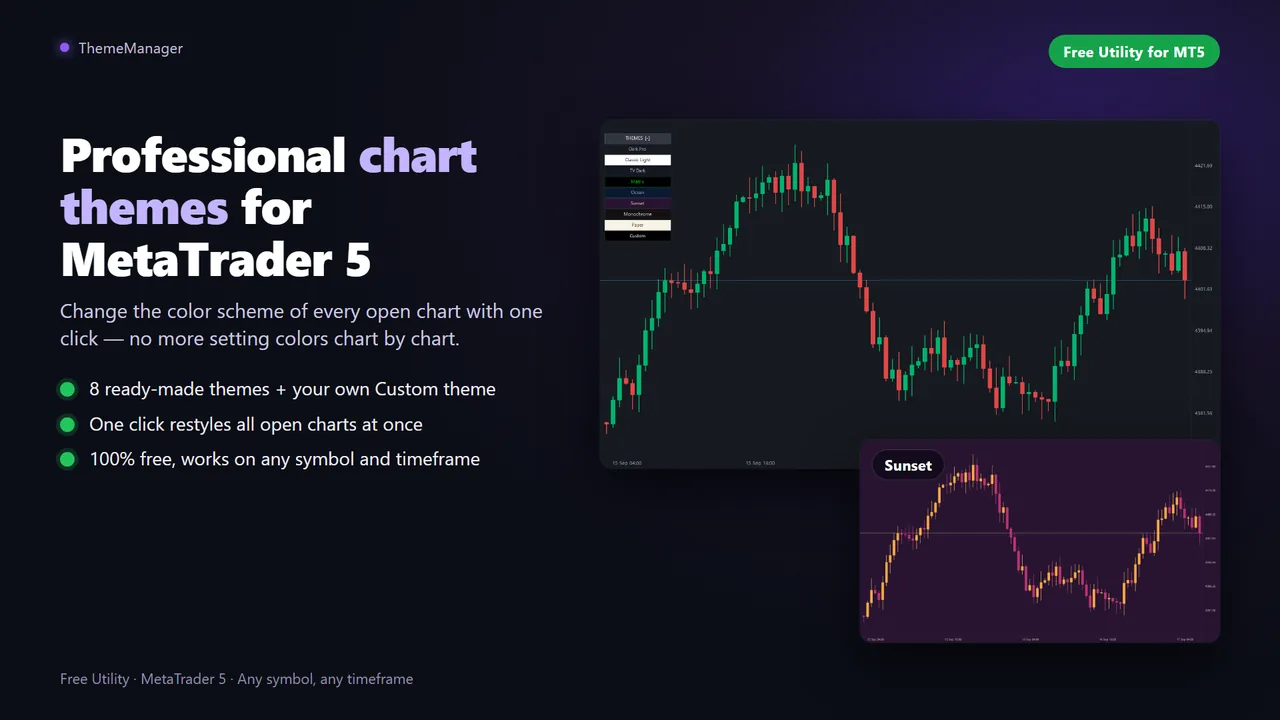
Pick one of 8 chart themes, from dark mode to light and webtrader style, or design your own with 13 color pickers. A small panel on the chart restyles all your open charts at once. Completely free, with no limits.
Three steps, every chart restyled
Attach it
Drag ThemeManager from Navigator → Indicators onto any chart.
Pick a theme
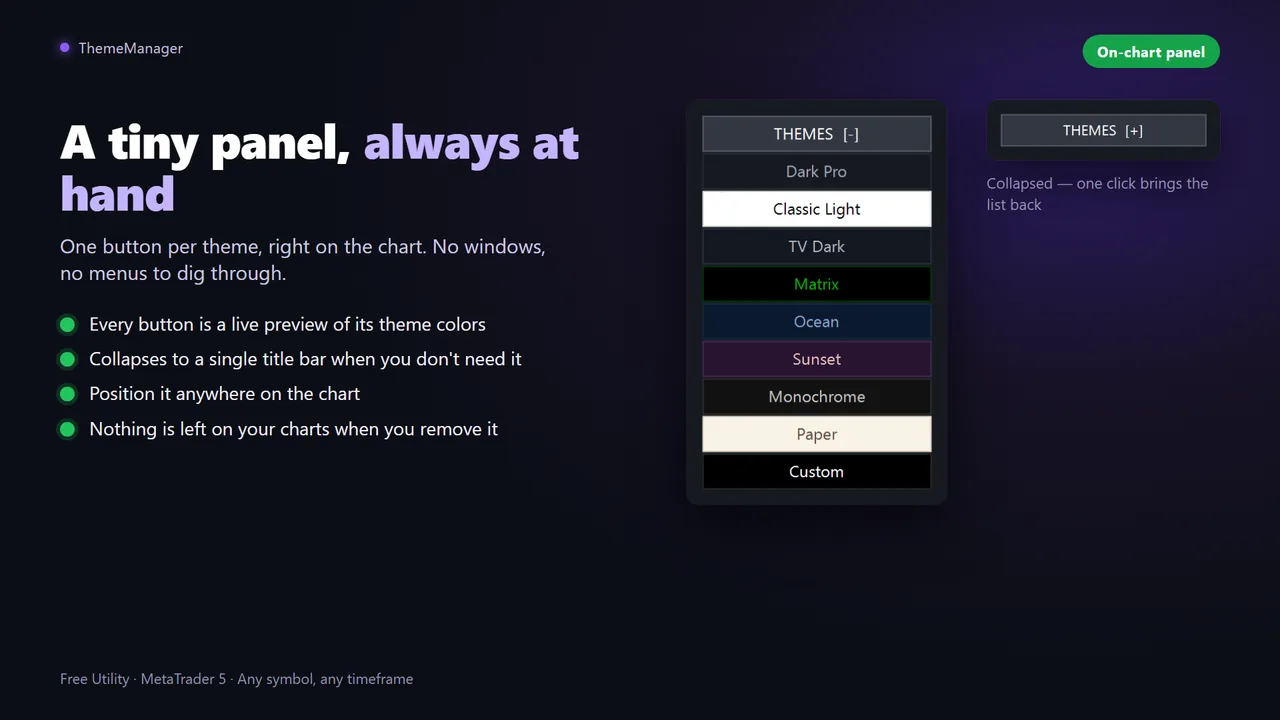
Click a theme on the panel. Every button is a live preview of its own colors.
Done
Every open chart is restyled instantly, and your last theme is re-applied when the indicator loads.
From dark mode to newspaper style
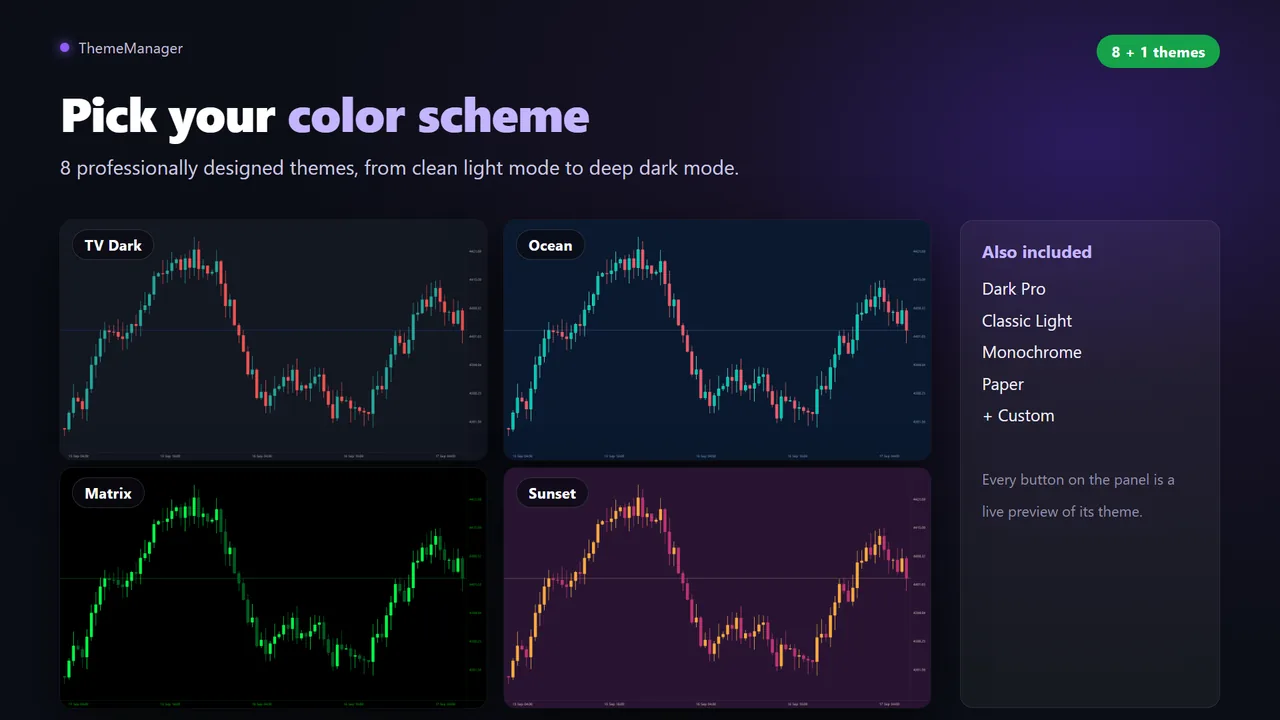
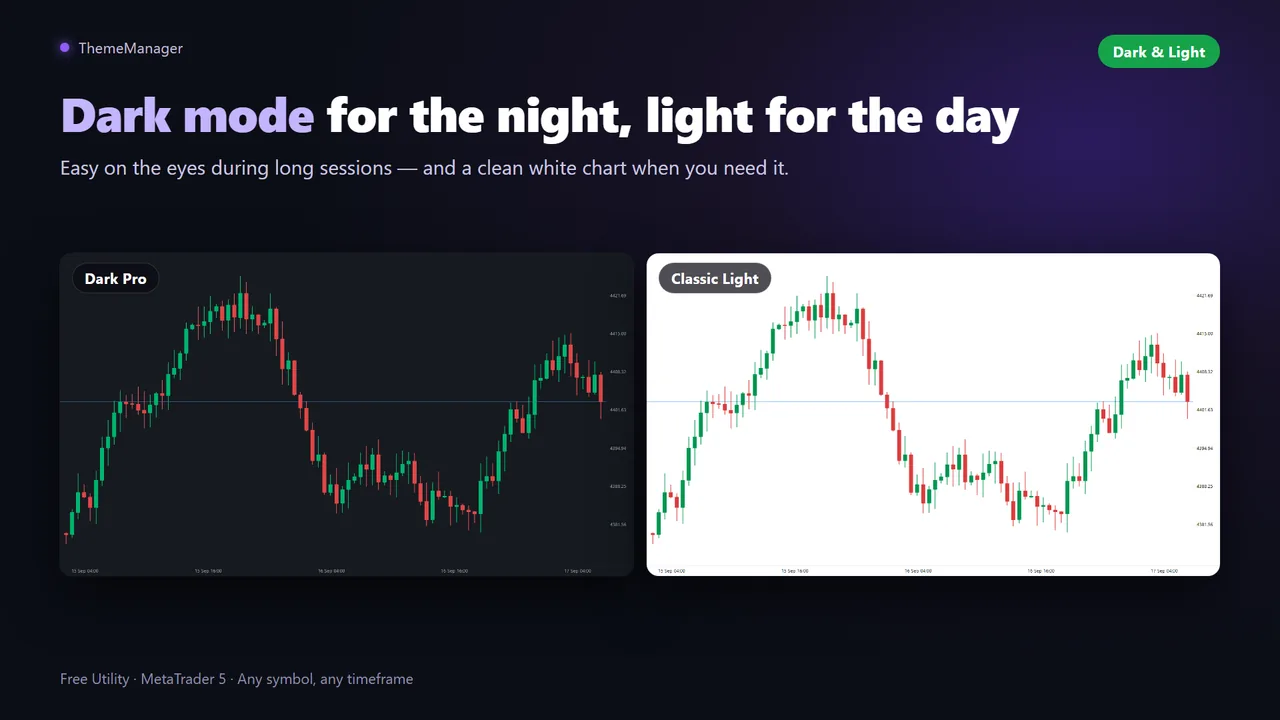
- Dark Pro: modern charcoal with green and red candles
- Classic Light: clean white chart, traditional look
- TV Dark: deep slate blue, webtrader style
- Matrix, Ocean, Sunset, Monochrome and Paper
- Custom: your own theme, built from the inputs
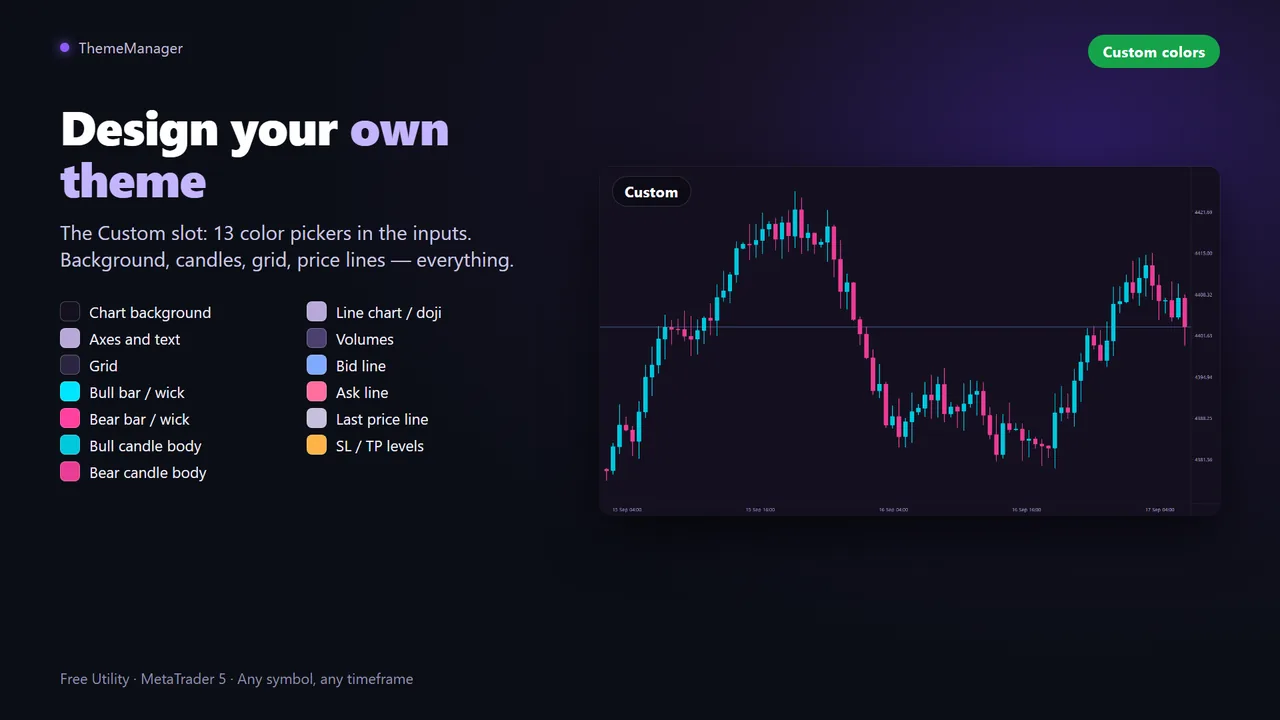
A Custom theme with 13 color pickers
Background, axes and text, grid, bull and bear bars, candle bodies, line chart, volumes, Bid/Ask/Last price lines and SL/TP levels. Press Custom on the panel to apply your colors everywhere; they are saved with the chart and your templates.
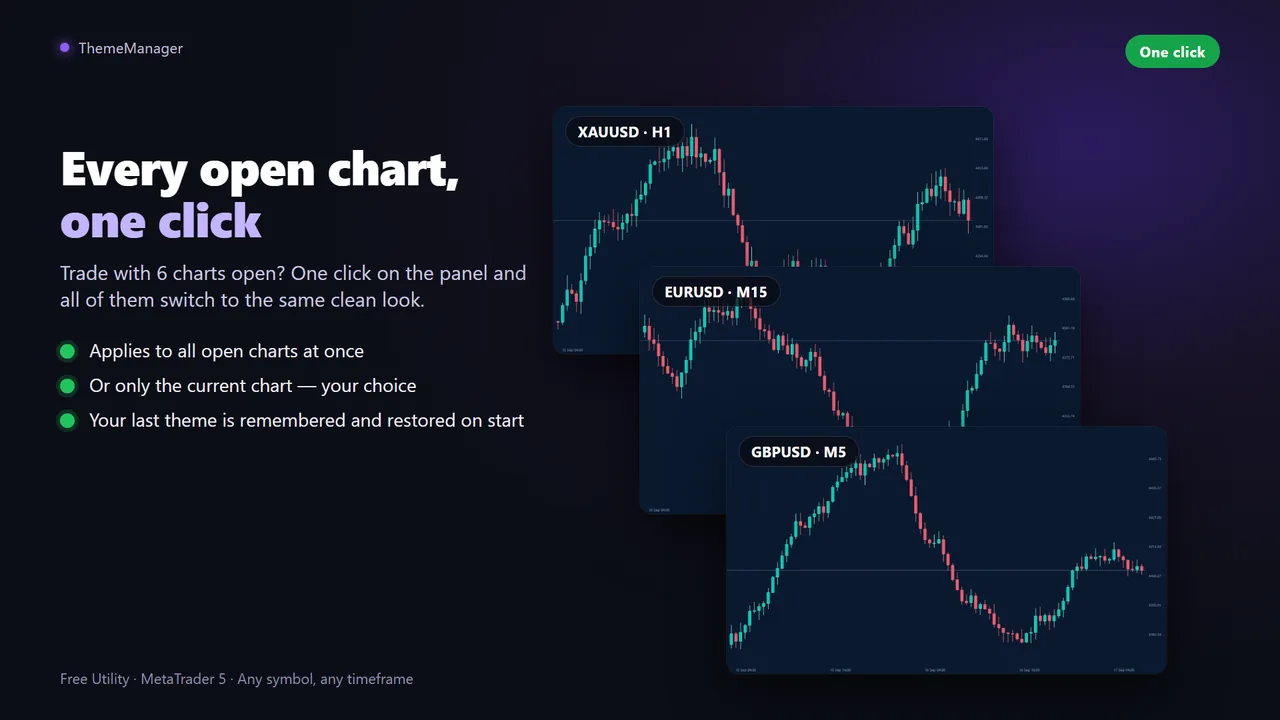
- All open charts or only the current one, with the “Apply to all open charts” input
- Collapses to a title bar when you do not need it
- Nothing left on your charts when you remove the indicator
Questions
Is ThemeManager really free?
Yes. All 9 themes and every feature, with no limits and no locked options.
Does it also recolor Market Watch and the other terminal windows?
No. MetaTrader only allows programs to change the charts; the terminal windows cannot be recolored by any product.
Will it interfere with my EAs or indicators?
No. It only changes chart colors: it does not trade and does not touch your other tools.
Can I go back to my previous colors?
Applying a theme overwrites the chart colors, so save your current setup as a template first (right click, Templates, Save) if you want to restore it later.
Can I apply a theme to only one chart?
Yes: set "Apply to all open charts" to false and the panel changes only the current chart.
Make MetaTrader 5 look the way you want
Free on the official MQL5 Market. Then have a look at my other tools for MetaTrader.