 BytePip
A one-click trade panel that sizes the lot from your risk
Type your risk, drag the stop loss and take profit on the chart and click BUY or SELL. Breakeven, partial close and trailing stop are one click away, all in a single bar that never covers your chart.
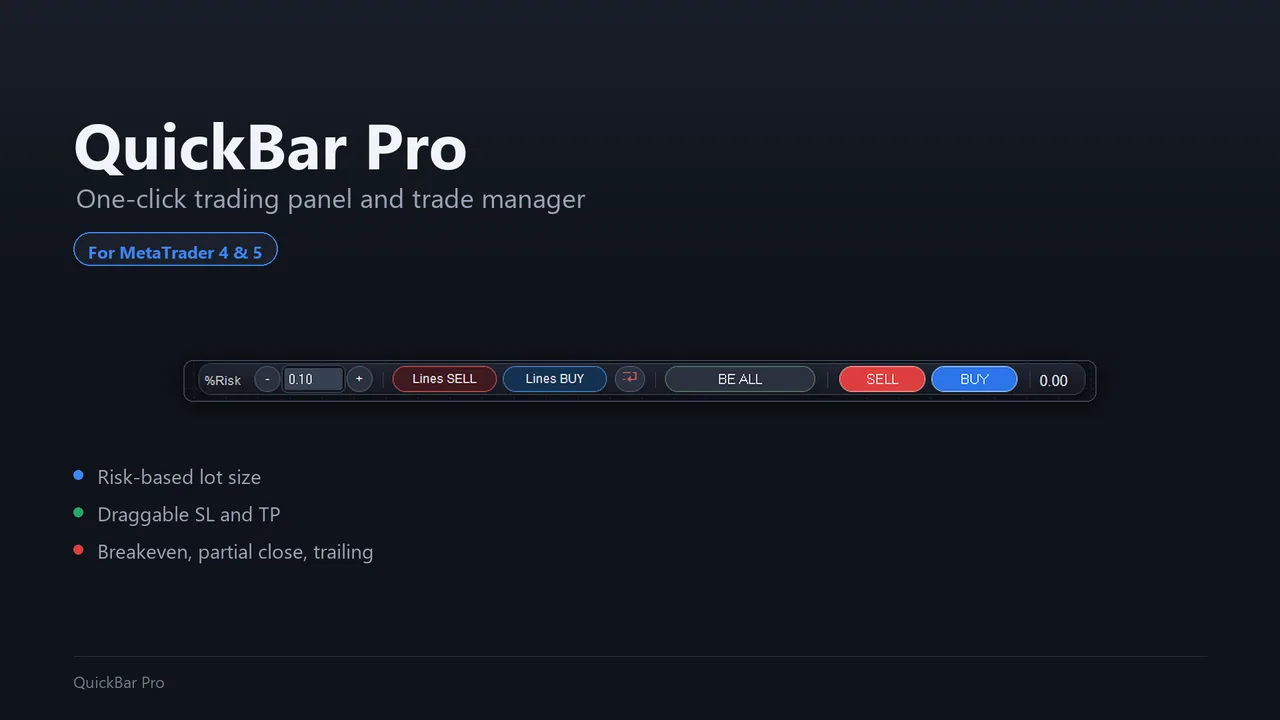
The lot that matches your risk
Type your risk as a percentage of the balance or as a fixed amount of money. The panel works out the lot from your broker's own contract specifications, so the money at risk is what you asked for, on forex, gold, indices or crypto.
- The wider the stop, the smaller the lot for the same money at risk
- Your broker's minimum, maximum and step are always respected
- If your risk does not reach the minimum lot, the panel tells you instead of trading a size you did not choose
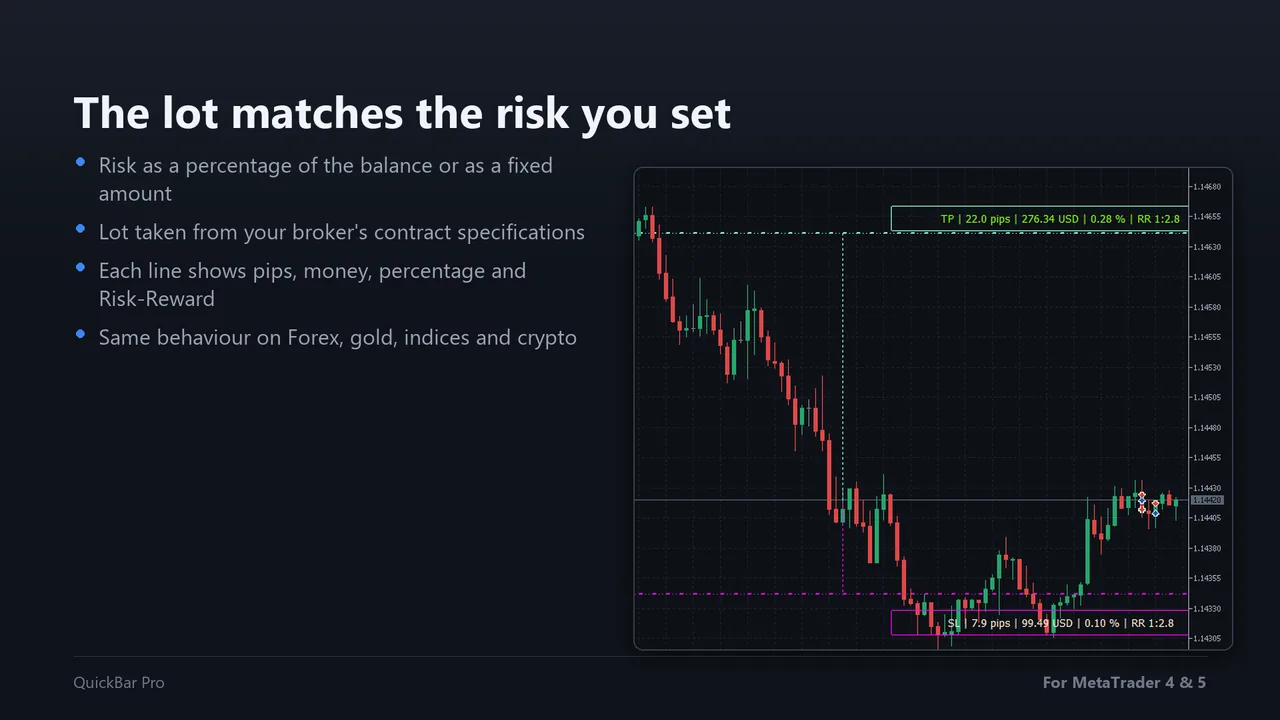
Drag the lines, see the risk
Both lines sit on the chart and you move them with the mouse. While you drag, each line shows the distance in pips, the money at stake, the percentage of your account and the risk-reward ratio.
- BUY and SELL always visible on the bar: no extra window, no dialog
- Checks before sending that the SL and TP are on the right side of the price
- If the broker rejects the order, your lines stay on the chart so you can correct and try again
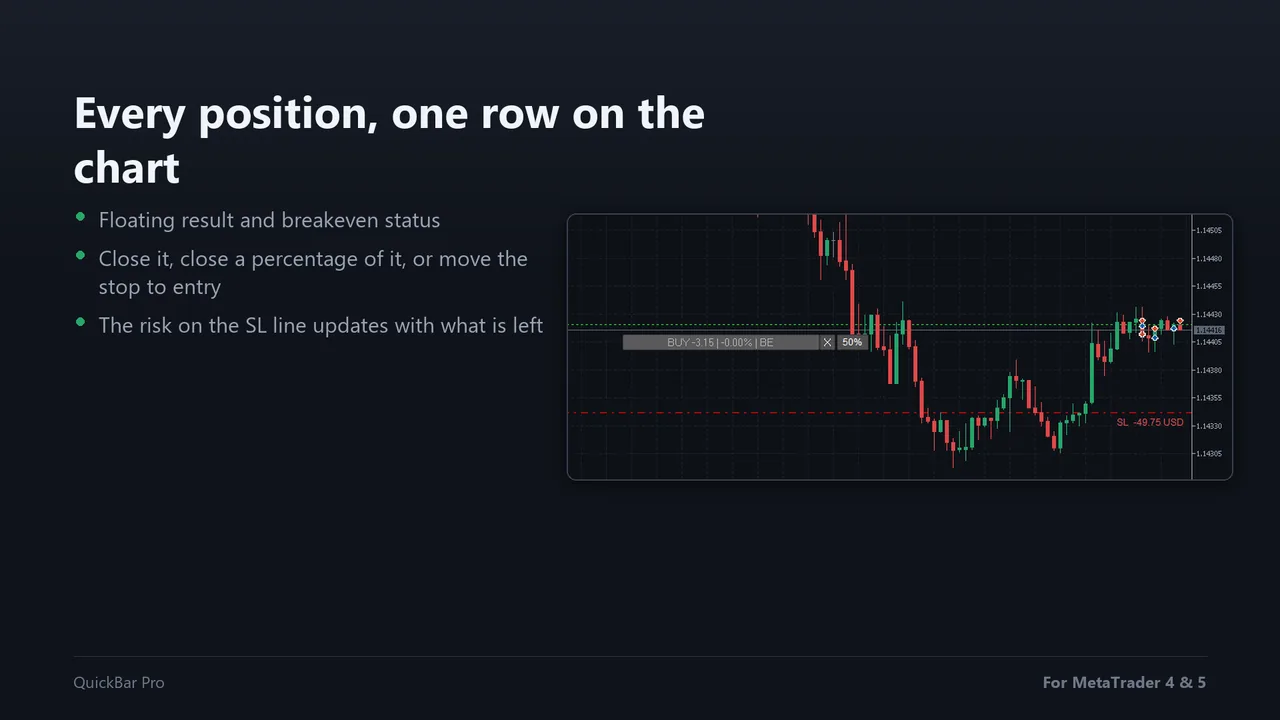
Breakeven, partial close and trailing
Each open position gets its own row with its floating result and buttons to close it, close a percentage of it or move the stop to the entry price.
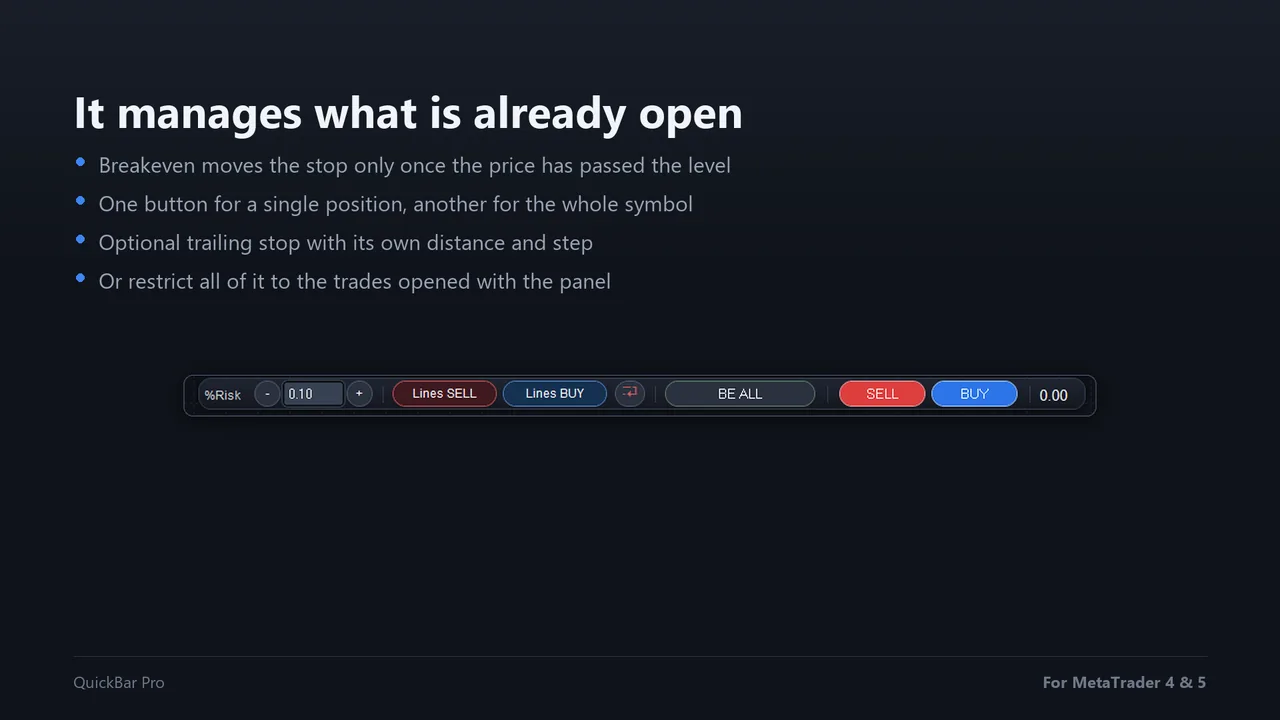
- Breakeven only moves the stop once the price has really passed the level, so the broker never rejects it
- One button for the breakeven of every position of the symbol at once
- Optional trailing stop that follows the price at the distance you set
- Only its own trades if you want: trades opened by hand or by other EAs are left alone
A demo that really works
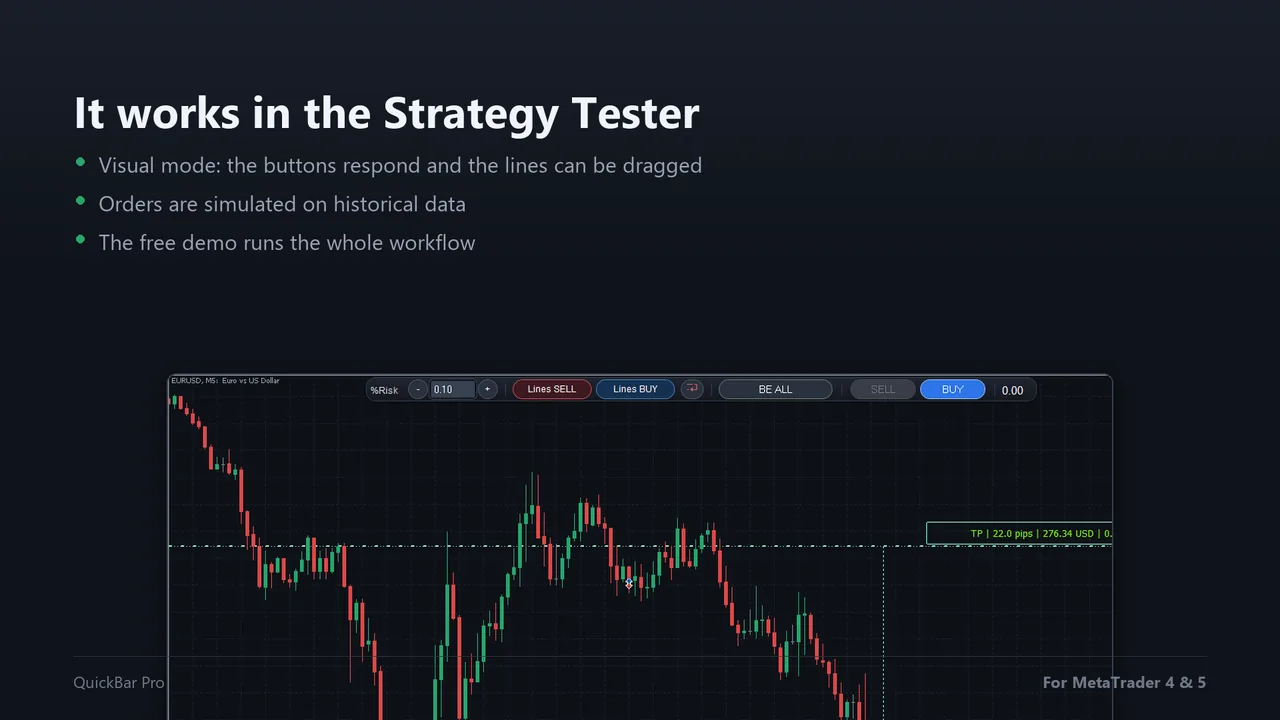
QuickBar Pro runs in the Strategy Tester in visual mode: the buttons respond, the lines can be dragged and the orders are simulated on historical data. The free demo on MQL5 lets you try the whole workflow before you buy.
Questions before buying
Does it work in the Strategy Tester?
Yes, in visual mode: the buttons respond, the lines can be dragged and the orders are simulated on historical data. That is what the free demo runs on.
Which symbols can I use it on?
Any symbol in your terminal: forex, indices, metals and crypto. The lot size comes from your broker's contract specifications for that symbol.
Why is the lot size smaller than I expected?
Because it comes from your risk and the distance to the stop loss: the wider the stop, the smaller the lot for the same money. The panel also respects your broker's minimum, maximum and step.
Does the breakeven button touch trades opened by other EAs?
By default it manages every position of the chart symbol. Turn on "Manage only trades opened with this panel" and it handles only its own trades.
Does the trailing stop keep working if I close the terminal?
No. The trailing runs while the panel is on the chart, like any Expert Advisor.
Place and manage trades in one click
Sold through the official MQL5 Market: secure payment, automatic install in your terminal and 5 activations per purchase.